


Turbocharge Your WordPress Site: Speed Optimization Techniques for an Enhanced User Experience
Slow website load times drain visitors faster than you realize. Every second your WordPress site lags, potential customers click away—hurting your site performance and user experience. Let’s break down practical WordPress optimization steps that speed up your pages and keep visitors engaged. For more insights, check out this guide on speed optimization.
Essential Speed Optimization Techniques

Let’s kick things off with some key strategies to speed up your WordPress site. These techniques can make your pages load faster, ensuring visitors stick around longer.
Image Optimization Tips
Images can be a major hurdle if not properly optimized. They often slow down your site. You can use tools like TinyPNG or ShortPixel to compress images without losing quality. Here’s how:
-
Compress before uploading: Always reduce file size before adding images to your site. A smaller image loads quicker.
-
Use the right format: JPEGs are great for photos, while PNGs work best for graphics with fewer colors.
Regularly audit your image library to ensure no unnecessary files are bloating your storage. A well-managed library enhances your site performance. Curious about more image tips? You can check out this comprehensive guide on WordPress performance.
Minification and Compression Tools
Minifying your CSS, HTML, and JavaScript files can significantly reduce load times. These tools strip out unnecessary characters, making files smaller:
-
Plug-ins like Autoptimize: This plugin automatically compresses your site’s code. It’s easy to use and effective.
-
Gzip compression: Ask your hosting provider to enable Gzip. It compresses web pages before sending them to browsers.
With these tools, your website becomes leaner and faster. Ready to dive deeper into this topic? The WordPress support site offers detailed instructions.
Improving WordPress Performance

After optimizing images and code, let’s explore tools that further enhance your site’s speed. These next steps ensure your WordPress performs at its best.
Caching Plugins Explained
Want your site to load instantly? Caching plugins are your best friends. They store copies of your pages, reducing server load.
-
WP Super Cache: This plugin generates static HTML files for your site. It’s straightforward and improves loading times.
-
W3 Total Cache: Known for its customization options, it speeds up your site by caching pages and database objects.
Caching not only boosts speed but also improves user engagement. Most people think only large sites need caching, but even small sites benefit greatly. For a deep dive, check out Reddit’s WordPress tips.
Content Delivery Network Benefits
A Content Delivery Network (CDN) puts your content closer to visitors by distributing it across a network of servers.
-
Faster delivery: Content reaches users quicker since servers are geographically closer.
-
Reduced bandwidth costs: CDNs offload traffic from your server, saving resources.
Switching to a CDN might seem like a big step, but the performance gains are worth it. Want more insights? This learning center explains the value of CDNs.
Enhancing User Experience
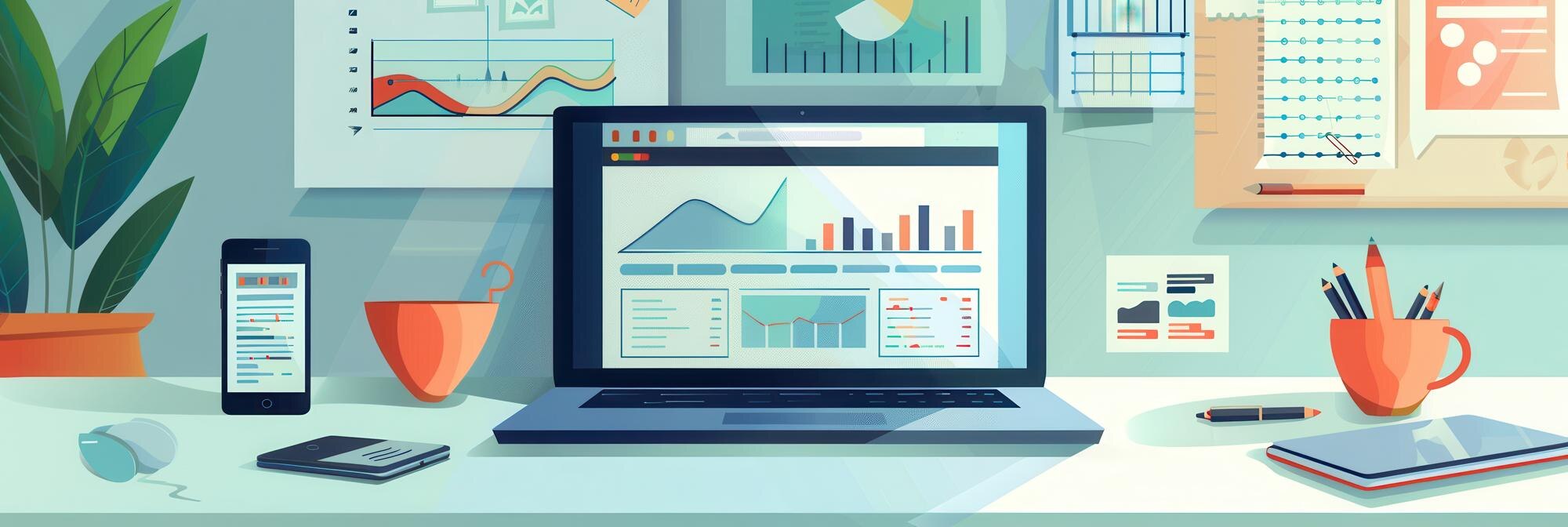
Now that your site is faster, let’s focus on enhancing the user experience. A smooth, responsive site keeps visitors coming back.
Mobile Responsiveness Importance
Mobile users account for a large portion of web traffic. If your site isn’t mobile-friendly, you could lose potential customers.
-
Responsive themes: Choose themes that automatically adjust to different screen sizes.
-
Google’s Mobile-Friendly Test: This tool checks if your site meets mobile standards.
Most people think desktop is more important, but mobile now leads the charge. Ensuring your site is responsive can boost your SEO and user satisfaction.
Reducing Server Response Time
Reducing server response time helps your site load faster, keeping users engaged.
-
Choose a reliable host: A good hosting provider ensures faster response times.
-
Regular database cleanup: Removes unnecessary data, speeding up server response.
The longer you wait to address server issues, the more potential customers you lose. It’s time to act now.
Here’s the key insight: speed and responsiveness are crucial for a successful website. If you’re ready to take your site to the next level, get a Free WordPress Website Audit. Identify what’s holding your site back and unlock greater performance.
Reach out to WP Site Doctor for a free consultation today! 🩺✨
